Hacking ▍

M5Stack Cardputer Zero · Deep Dive · 12 volumes

M5Stack Cardputer Zero

Cardputer ergonomics on a Pi-Zero-class budget.

The compact sibling of the ADV — smaller, leaner, still ESP32-based.

Search every volume:

?

How to search

sten gun
pages with both words
"sten gun"
the words together, as a phrase
sten OR sterling
either one (| works too)
sten -replica
leave out pages that mention “replica”

Without quotes, the last word also matches longer words that start with it (sten finds Stenophylla), and close word forms count (rifle finds rifles). Tick Exact words to match whole words only.

Other words for the same thing are searched too (uniselector also finds stepping switch), ranked below pages with your own words; the results say what else was searched. Quotes or Exact words turn that off.

Whole deep dives are listed first, then the pages inside them. Click a topic under the box to narrow the results.

Tick Photos to search the captions of every photo and diagram; each picture opens where it sits in its volume. The Show row narrows to one kind of result: volumes, deep dives, photos, parts lists, Library documents or downloads.

    Volumes
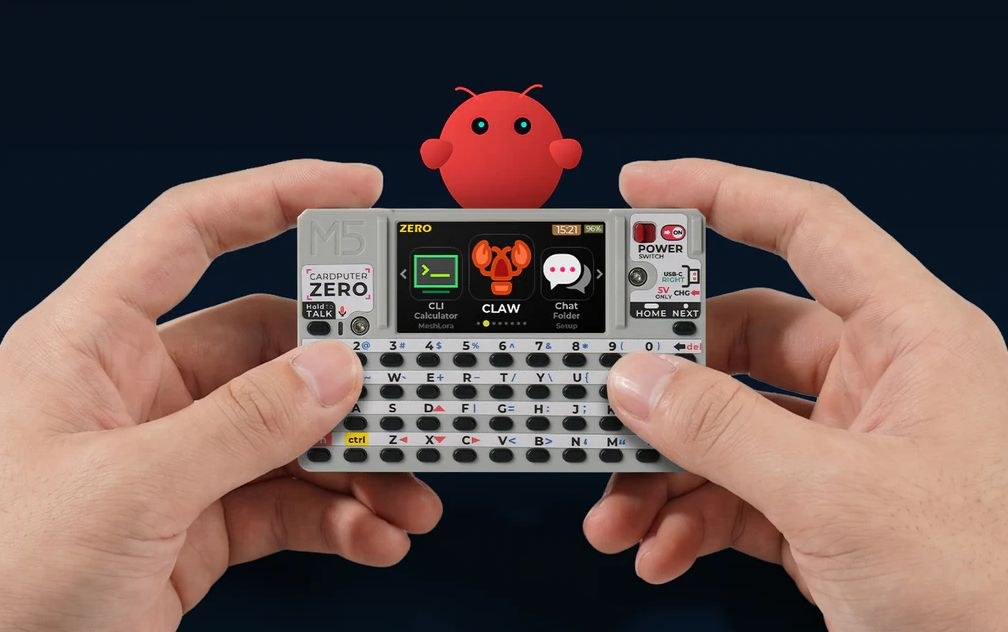
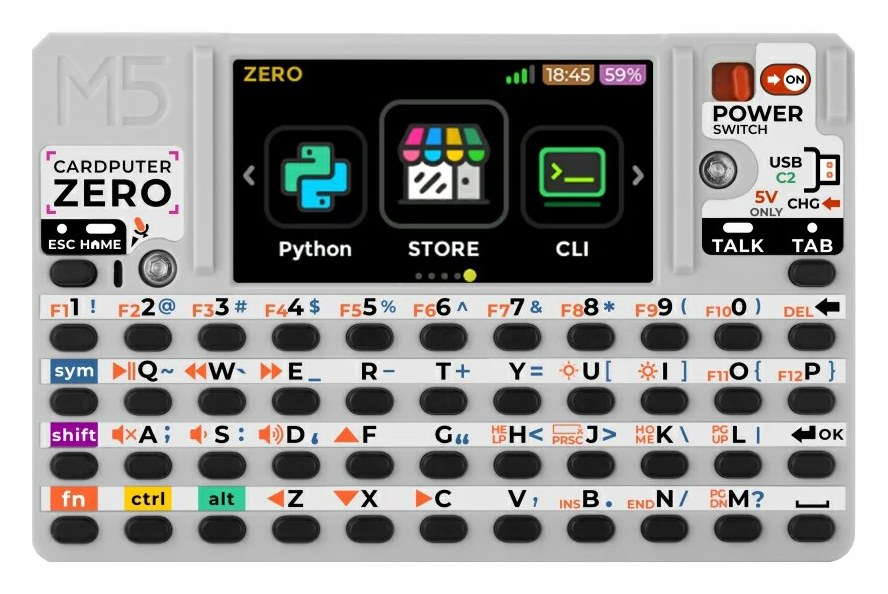
    1. Vol 1 M5Stack Cardputer Zero Volume 1 — Overview, Family Lineage, and Decision Tree What it actually is — a Raspberry Pi CM0 pocket Linux computer — where it branches off the Cardputer family, the Zero-vs-ADV-vs-cyberdeck decision tree, and depth indices into Vols 2-12
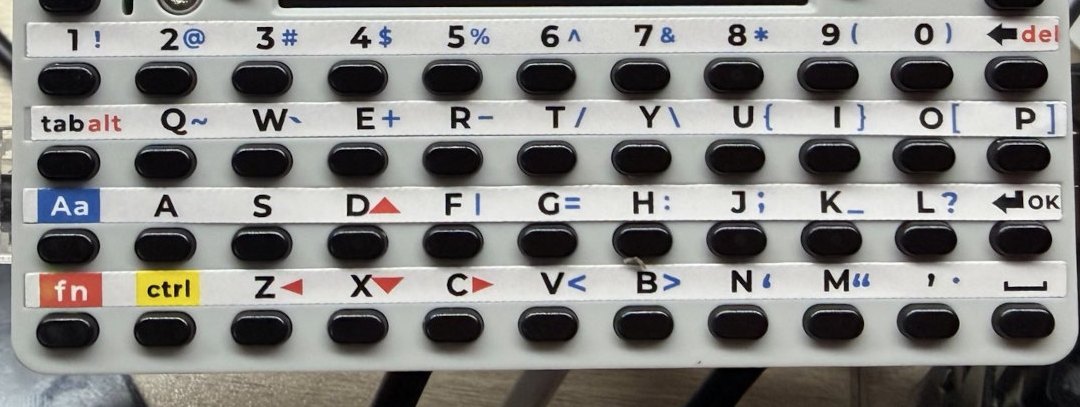
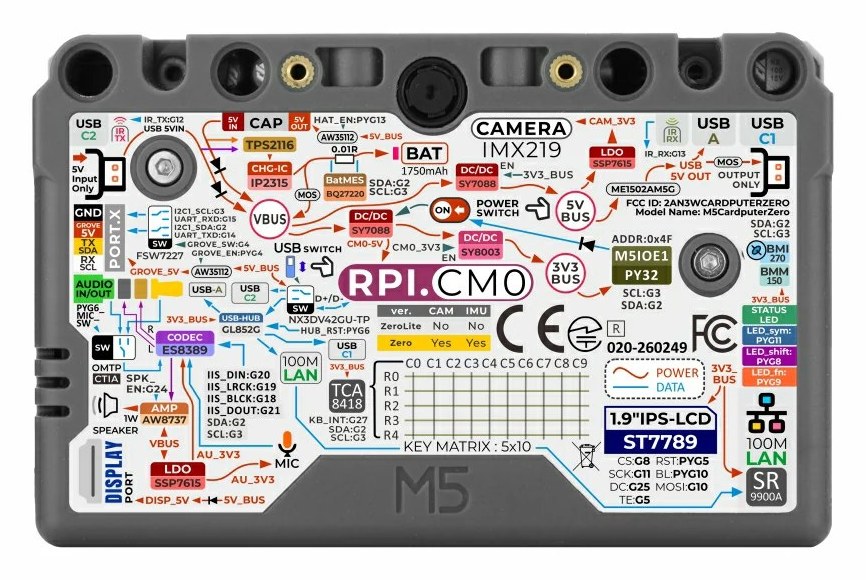
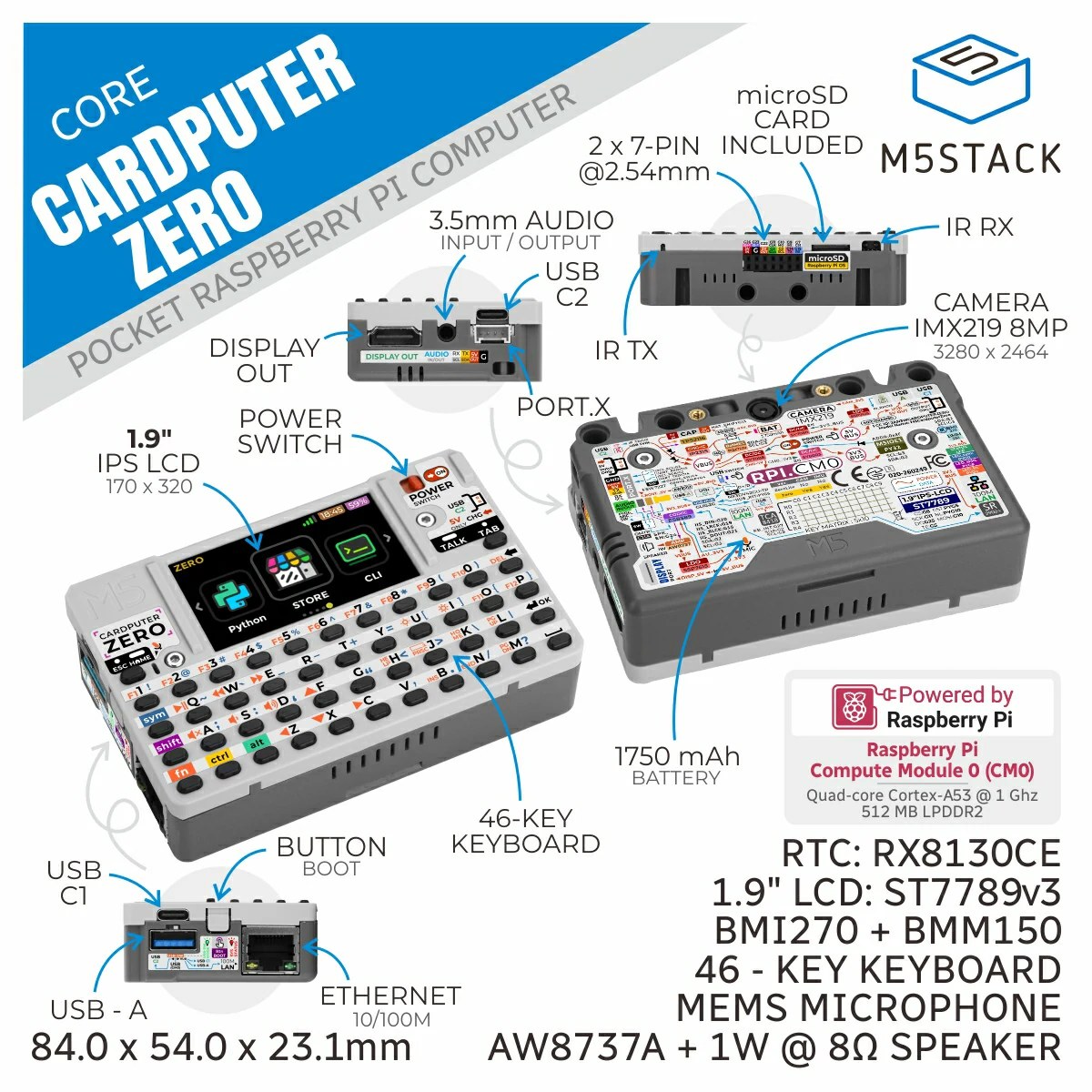
    2. Vol 2 M5Stack Cardputer Zero Volume 2 — Hardware Raspberry Pi CM0 (RP3A0/BCM2837 quad-A53) silicon, ST7789v3 display + 46-key matrix + ES8389 audio + 9-axis IMU, power tree, Cap EXT bus, schematic-style walk of the confirmed Linux pocket computer
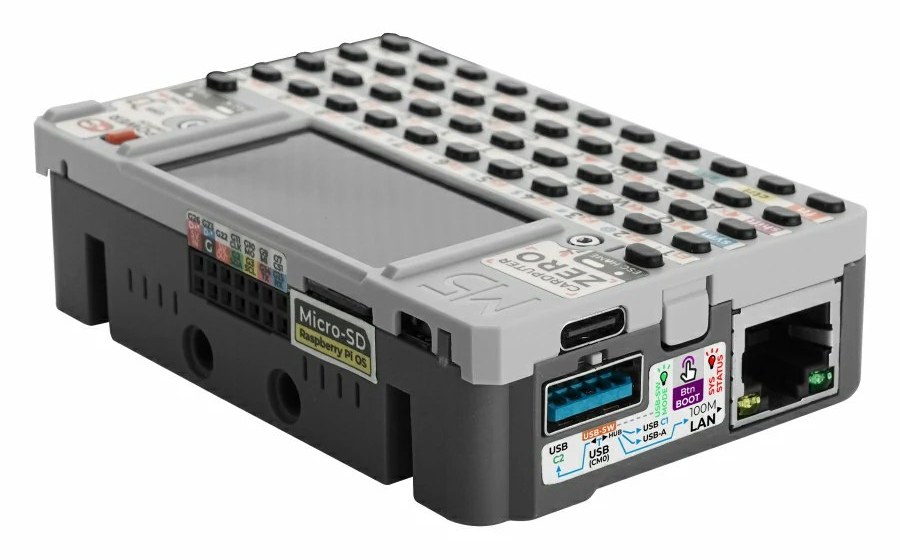
    3. Vol 3 M5Stack Cardputer Zero Volume 3 — External Interfaces 2× USB-C + USB-A host, the microSD boot device, Grove, plus Ethernet / HDMI / the Cap EXT 14-pin bus / audio / IR — the richest external I/O in the Cardputer family, all on the Linux stack
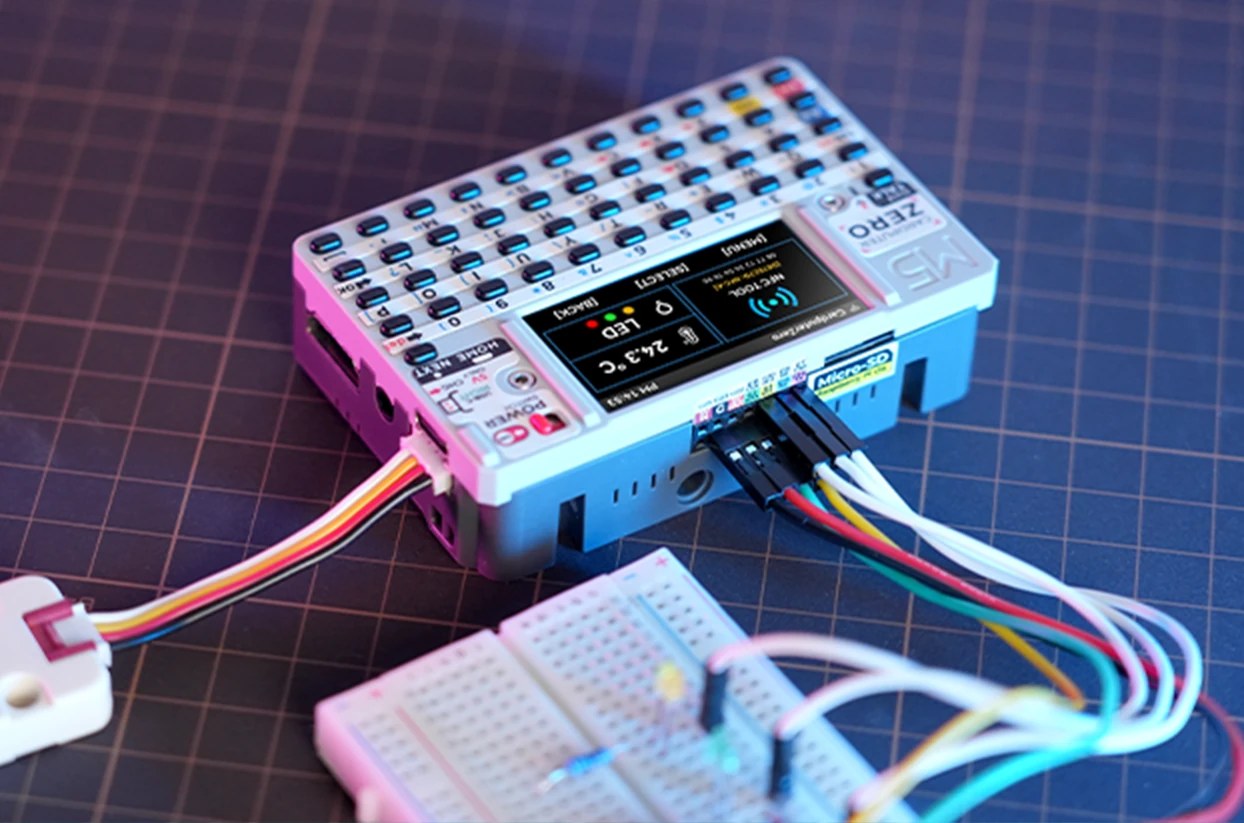
    4. Vol 4 M5Stack Cardputer Zero Volume 4 — Expansion & Module Ecosystem The Cap EXT 14-pin bus, Grove HY2.0, and Linux/USB peripherals — three real expansion paths on a Pi-CM0 pocket Linux box
    5. Vol 5 M5Stack Cardputer Zero Volume 5 — Power Profile Confirmed 1750 mAh LiPo + BQ27220 fuel gauge, USB-C charging, a Linux-SoC power model (no MCU deep sleep), and hours-not-days runtime
    6. Vol 6 M5Stack Cardputer Zero Volume 6 — Software & OS Ecosystem The Linux stack: Raspberry Pi OS / Debian aarch64 on the CM0, the cardputer-zero-shell Wayland desktop, the .deb AppStore + app catalog, and the Linux-native security toolchain that replaces the old ESP32 firmware story — see Vol 4 for the Cap EXT bus the RF tools ride on
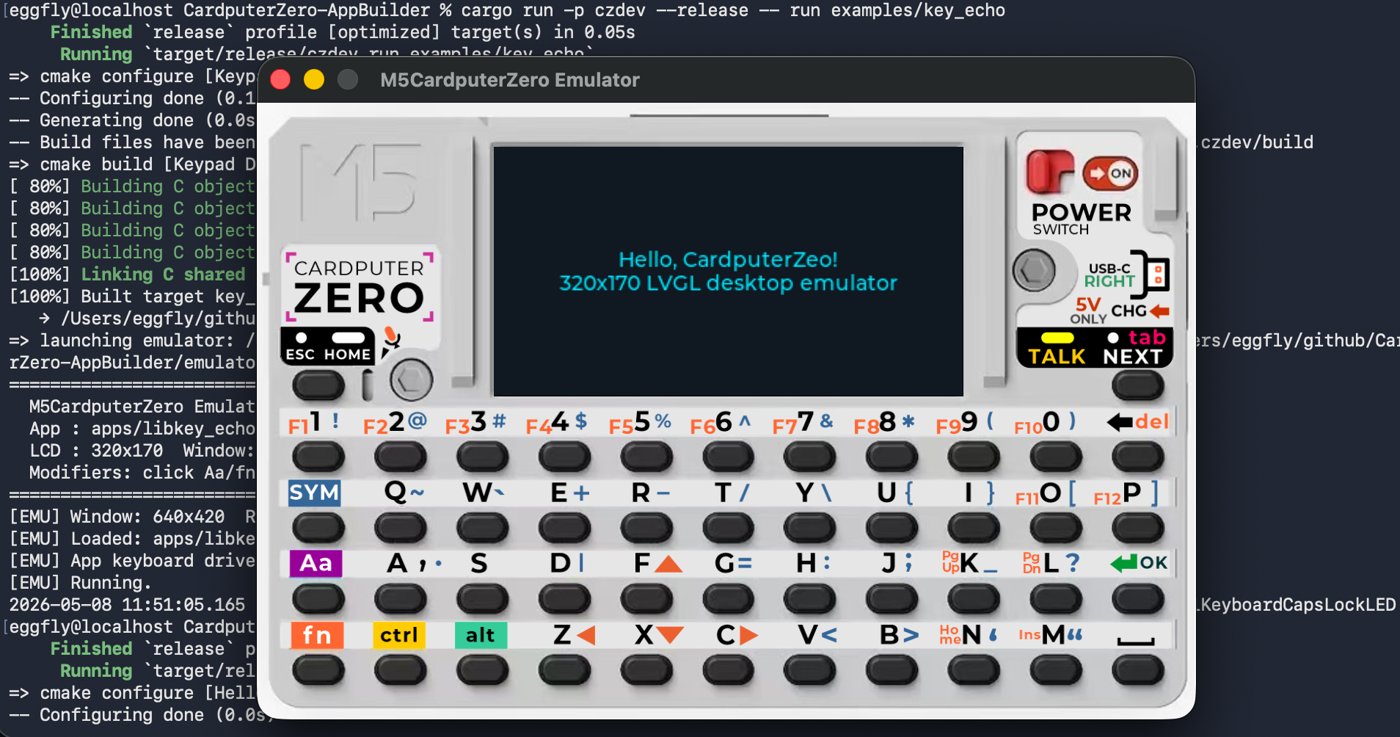
    7. Vol 7 M5Stack Cardputer Zero Volume 7 — Programming & App Development (Linux) Program it like a Raspberry Pi: native gcc/Python/Rust on Debian aarch64, plus the czdev AppBuilder + SDL2 emulator for on-screen LVGL apps
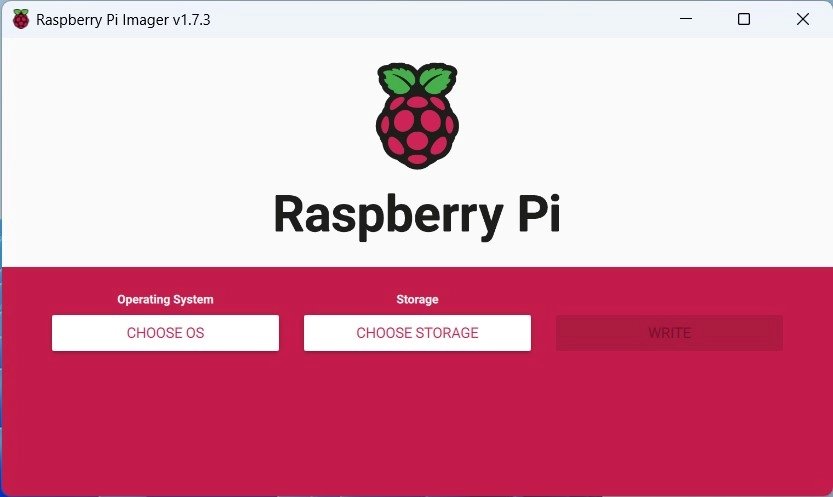
    8. Vol 8 M5Stack Cardputer Zero Volume 8 — OS Imaging, Boot & Recovery Writing a Raspberry Pi OS image to microSD, the CM0 boot chain (u-boot → kernel → device-tree overlays), headless setup, card backup/clone, and re-imaging recovery
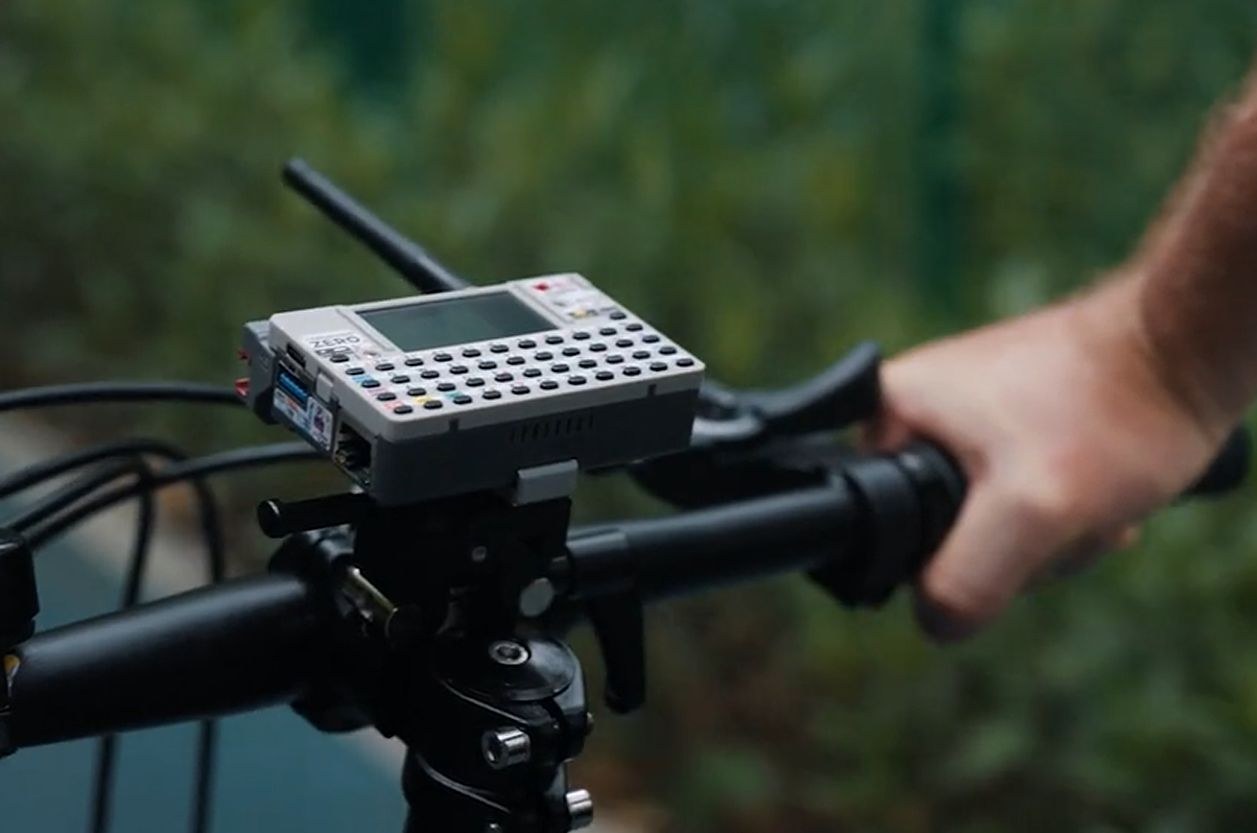
    9. Vol 9 M5Stack Cardputer Zero Volume 9 — Use Cases and Recipes Linux teaching machine, network drop box, Linux-native pentest workflows, retro emulation + IoT — the CM0 pocket-computer's real use scenarios
    10. Vol 10 M5Stack Cardputer Zero Volume 10 — Custom App Development Building Linux apps for the CM0: the czdev/AppBuilder LVGL flow, .deb packaging to the AppStore, and Linux-native drop-box services
    11. Vol 11 M5Stack Cardputer Zero Volume 11 — Operational Posture Regional rules for the on-module 2.4 GHz (+ optional sub-GHz) radios, LiPo small-cell safety, education posture, fleet-ops chain of custody, the Linux-computer security posture, and legal/ethics
    12. Vol 12 M5Stack Cardputer Zero Volume 12 — Cheatsheet Laminate-ready field card for the CM0 Linux pocket computer — confirmed quick-facts, receipt checks, OS imaging, czdev quick-start, battery math, region rules, troubleshooting, pre-engagement checklist